
Unlock More with emart MY App
Enjoy exclusive member deals, earn rewards as you shop, check real-time product availability, and stay updated on the latest promotions — all in one convenient app. Designed to make every Emart visit faster, smarter, and more rewarding.
Member Rewards & Privileges
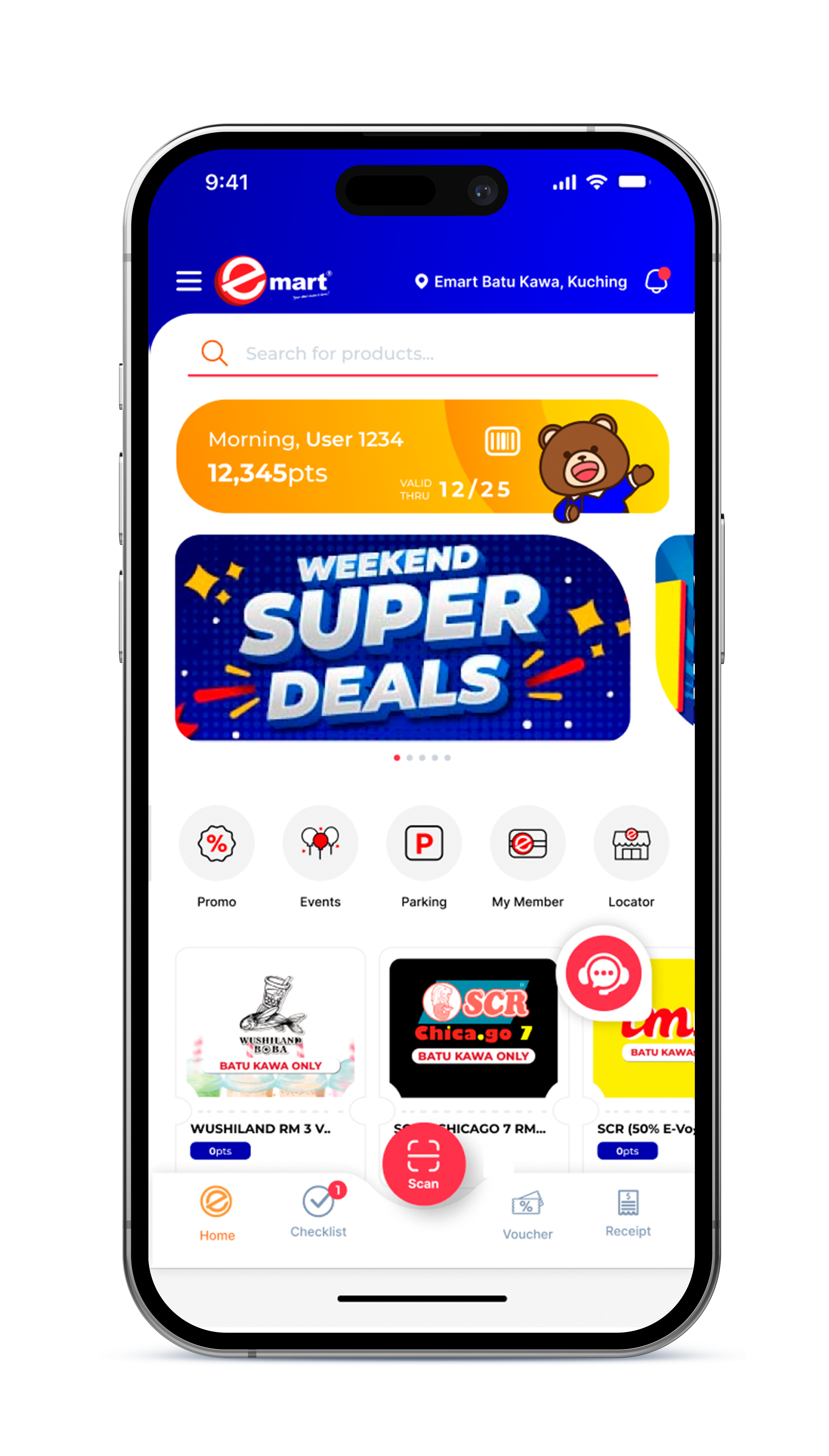
Earn points with every purchase, redeem rewards, enjoy member prices, and unlock exclusive vouchers.
Points & Purchase History
Track your points, rewards, and transaction history anytime in one place.
Outlet Locator
Find nearby Emart outlets and discover ongoing promotions and in-store events.
In-App Support
Get assistance through built-in chat support for a worry-free experience.
Checklist
Plan ahead with a shopping checklist to buy only what you need, save money, and avoid unnecessary purchases.
Upcoming Events
View upcoming Emart events and promotions anytime, anywhere.
Exclusive Rewards
Everything You Need to Earn and Enjoy Rewards
App-Exclusive: Rewards & Offers Waiting!
Sign Up Reward
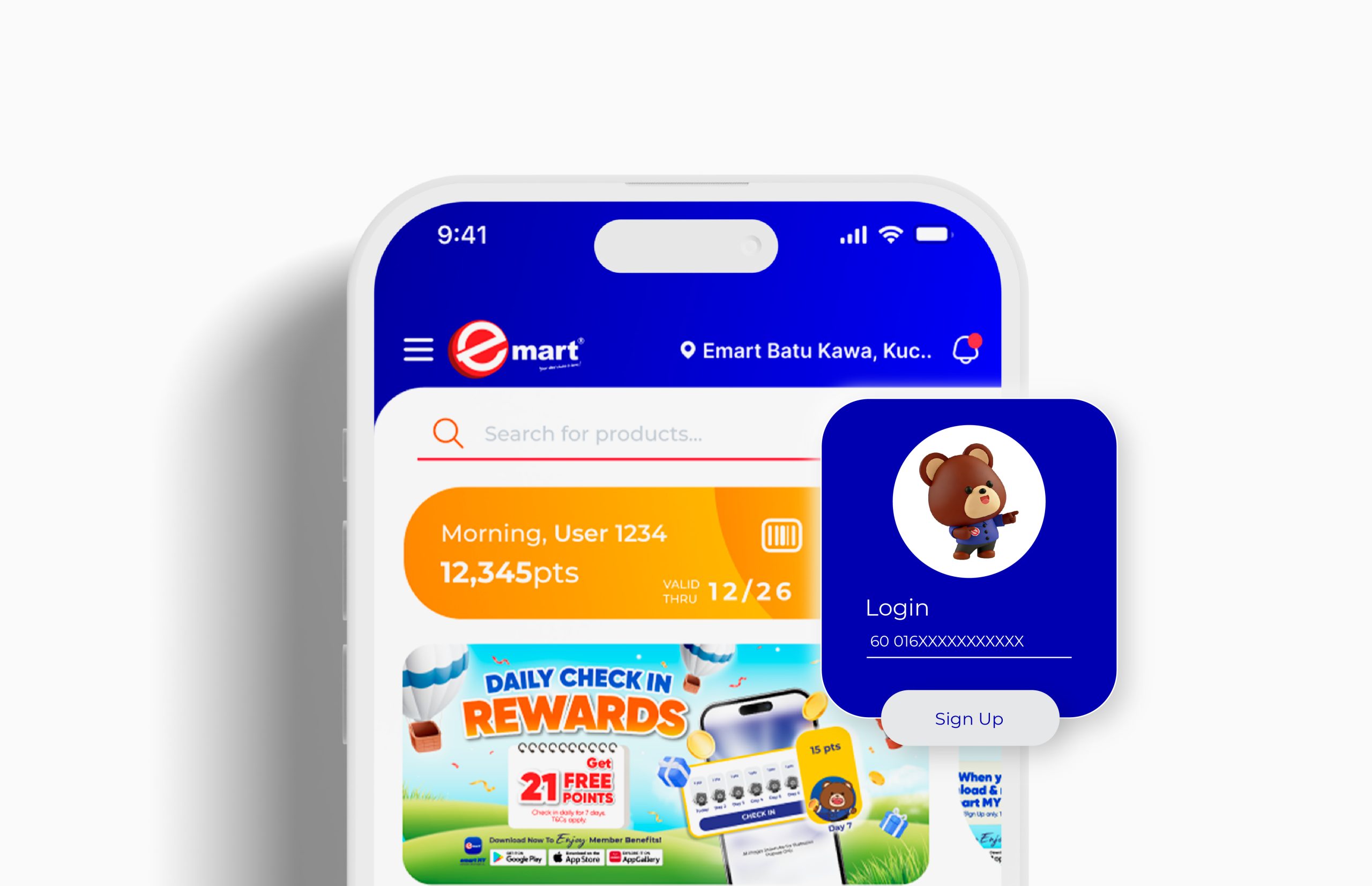
Sign up now and get FREE 300PTS to start earning rewards instantly
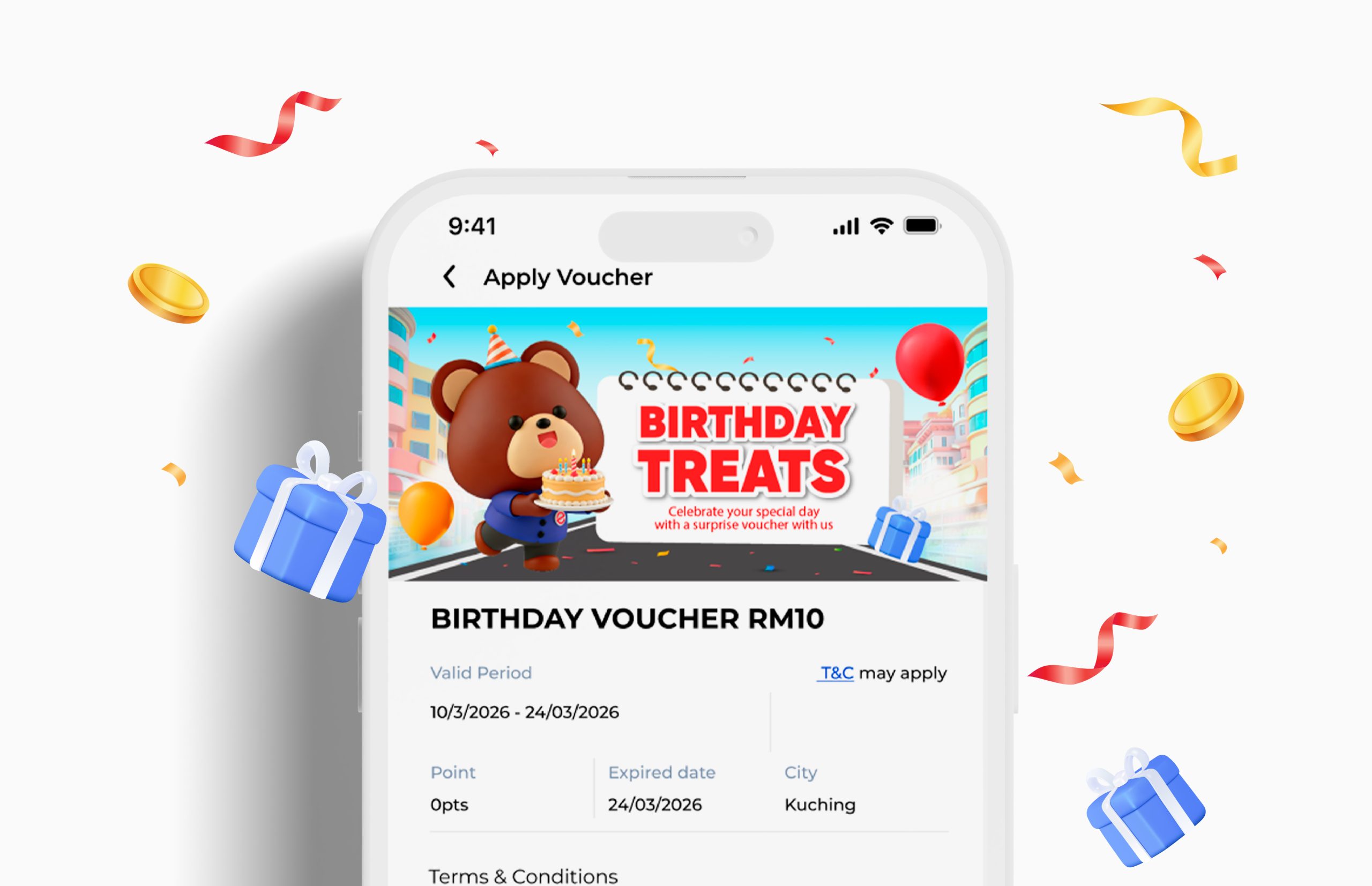
RM 10 Birthday E-Voucher
Enjoy a FREE RM10 Birthday E-Voucher 7 days before your birthday
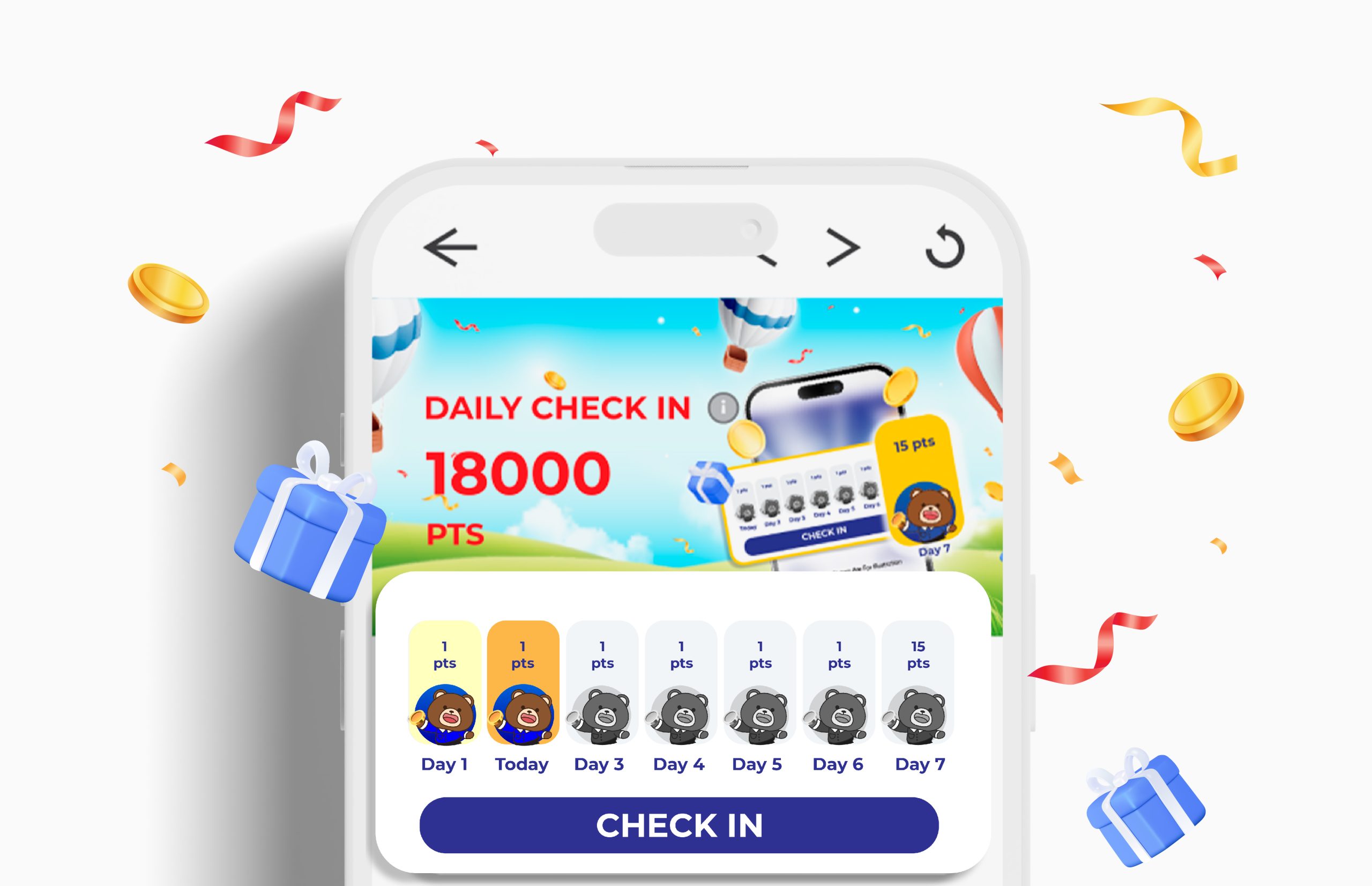
Daily Check-In Reward
Get rewarded with 21PTS weekly through daily check-ins
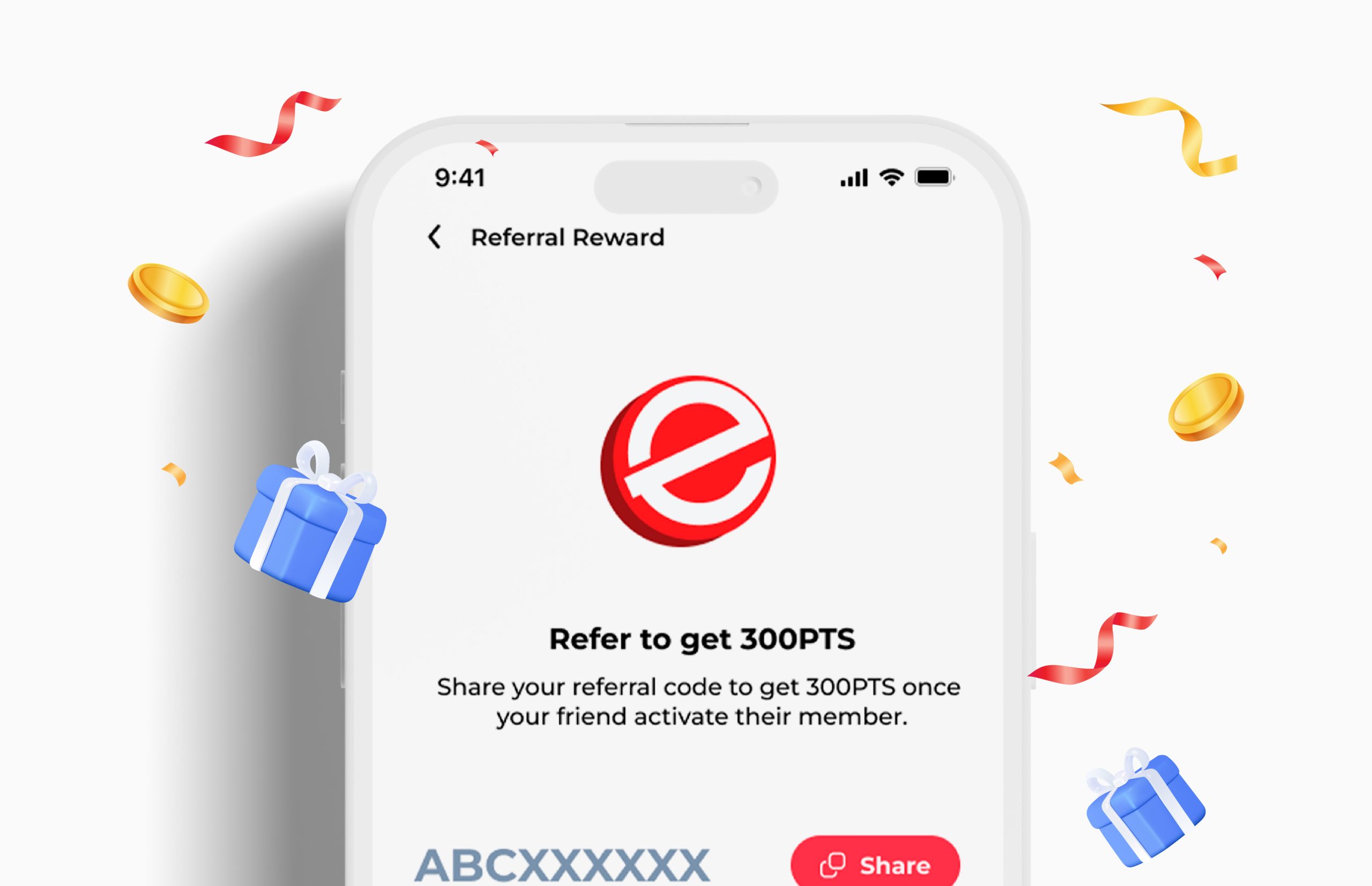
Referral Reward
FREE 300PTS for both when your friend signs up & activates their membership.
What makes us different
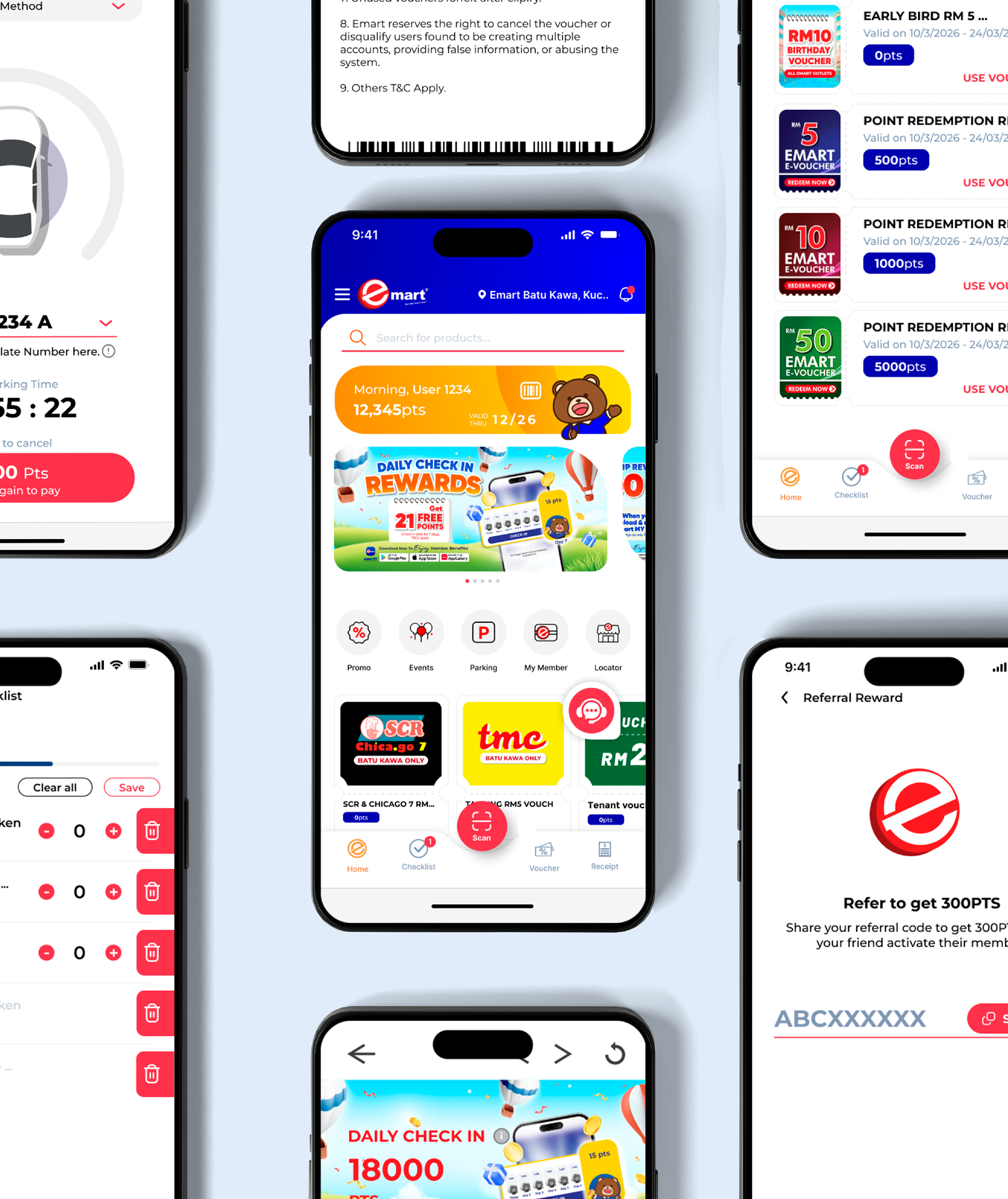
With the app, shoppers can enjoy exclusive member deals, earn and redeem rewards, check product availability before visiting, and receive instant updates on promotions and events — all in one place.
View Item Availability
Check product availability at your preferred Emart outlet
Smart Search & Scan
Scan products in-store for instant price checks and real-time stock availability
Instant Notifications
Get real-time updates anytime
Smart Parking
Available at selected outlets (Batu Kawa & King Centre)
FAQ
Explore our Frequently Asked Questions (FAQ) section to find comprehensive information about Emart MY App.
The Emart App is a mobile application designed to enhance your shopping experience by providing access to Emart’s wide range of products, exclusive promotions, member rewards, stock availability, and much more, all from your smartphone.
The emart MY App is available for download on Google Play Store and Apple App Store & Huawei App Gallery. Simply search for “Emart App” and click on the download button.
Step 1: Download the Emart app.
Step 2: Click on “Sign Up” or “Create Account”.
Step 3: Fill in the required information such as phone number. Verify your phone number if prompted.
Step 4: Complete the registration process and start using Emart App.
- If you’re browsing for vouchers in general, take a look at the voucher page on the Emart homepage. Select > view the available voucher.
- Vouchers claimed will be saved in My Voucher on the same page to view vouchers.
No. You may only update your phone number by:
- Contact us through our website https://www.emart.my/contact-us.
- Send us a message through our Emart Malaysia Facebook Page.
- Update at our Emart Membership Counter.
You may contact us through our website https://www.emart.my/contact-us
or
send us a message through our Emart Malaysia Facebook Page.
Vouchers you have claimed may disappear/blank out/error from your Vouchers page due to these reasons:
- Voucher has expired.
- Voucher has been fully redeemed.
Products are only available for purchase at the Emart outlet.